
Shop in context
Help customers see how decor and furniture fit with their walls, flooring, and existing pieces before checkout.
AI room visualization for Shopify
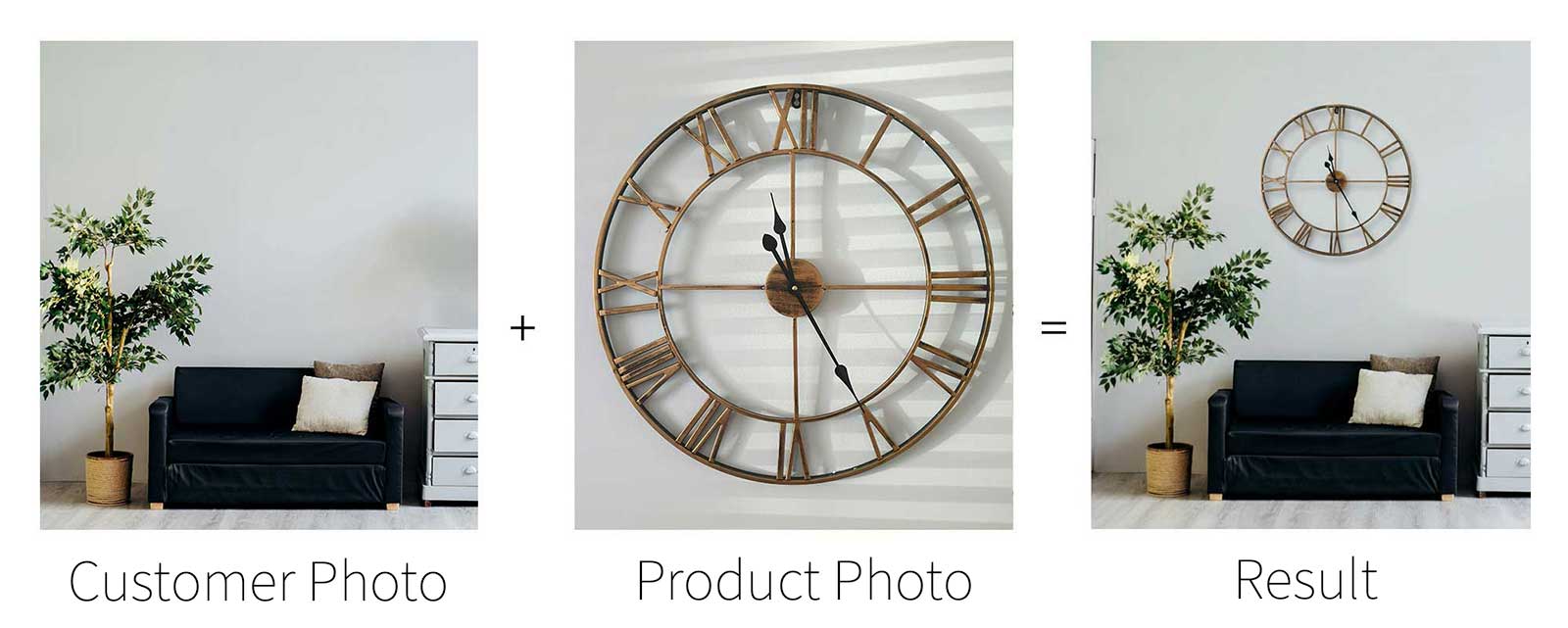
Room Refresh adds a photo-based visualization button to your product pages so customers can preview sofas, chairs, lighting, wall art, and accents in their own space in seconds.
Buying furniture online is high friction when shoppers cannot picture scale, placement, or style. Room Refresh puts a room-visualization button directly on product pages with no theme edits required, then helps merchants track usage and related orders from the app dashboard.
How it works
Built for home brands
Help customers see how decor and furniture fit with their walls, flooring, and existing pieces before checkout.
Add Room Refresh to product pages without theme edits so merchants can launch quickly across any Shopify storefront.
Track visualization activity, popular products, and the orders that follow so merchandising decisions stay grounded in real behavior.
Ready to launch
Install Room Refresh on Shopify and turn product pages into a more visual buying experience for furniture and home decor.
Install on Shopify